
Mover's Portal
Ask for time off
Ask the office for a day, a morning, an afternoon or certain hours off from the Tracker — and change or withdraw it while it's waiting.
- 2 min read
- Checked against MoveBoard
- For foremen, movers
On this page
Need a day off? Ask from your phone, and the office answers on the Crew Schedule.
Before you start
Your company must take time-off requests in the app: Movers can ask for time off in Settings › Crew › Foreman app (off until the office switches it on). When it's off, there's no Ask for time off button — call the office instead.
Ask
- Press Tracker at the bottom, then Ask for time off.
- Press Ask for time off again on the Time off screen.
- Pick the date (today or later).
- Pick Whole day, Morning, Afternoon or Certain hours — for certain hours, set from and to.
- Press Save.
Follow your request
Your requests are listed with their date and part of the day:
- Waiting for the office — you can still Change it or Withdraw it.
- Approved — the day shows grey on your Tracker, and the time off shows in the card under the calendar.
- Declined — talk to the office if you still need it.
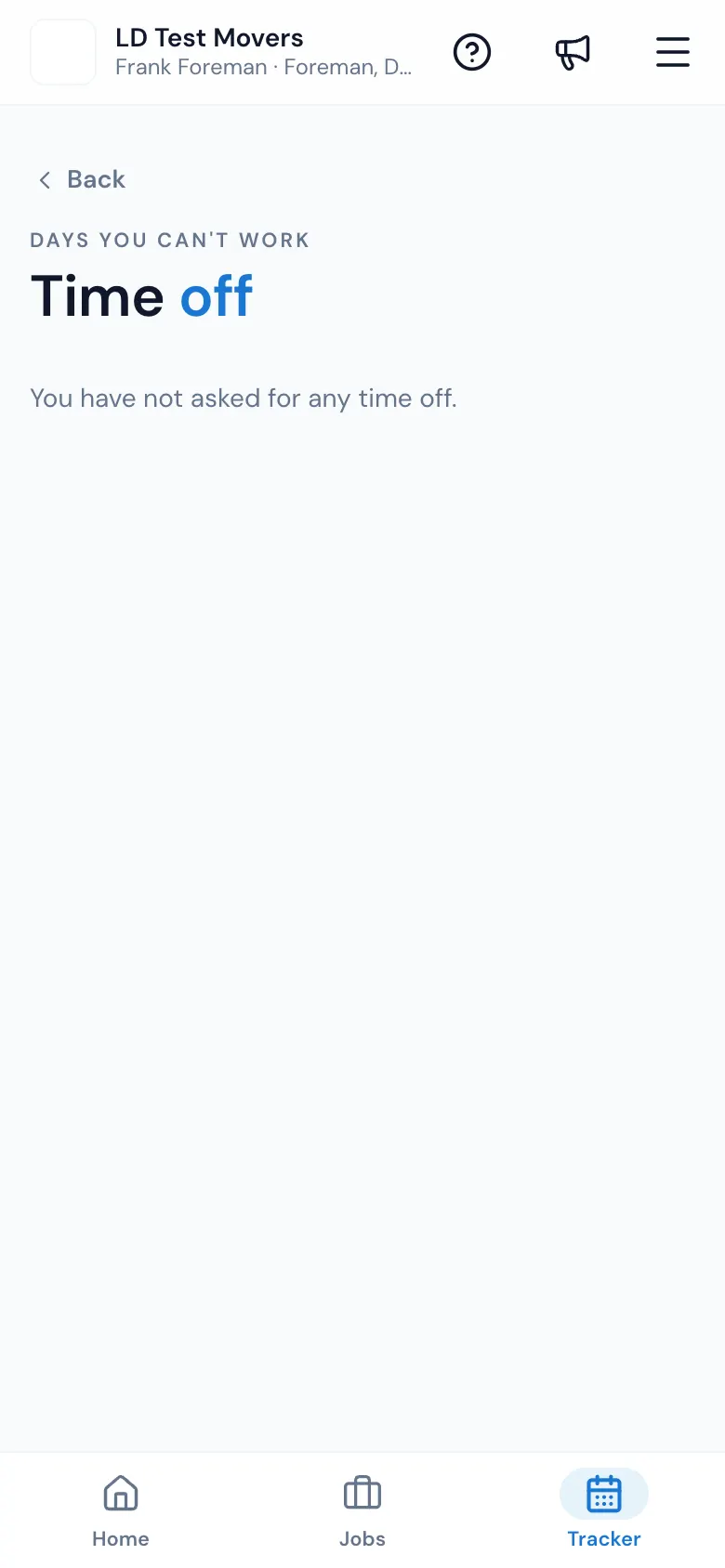
You've asked for nothing yet? It says You have not asked for any time off.
How the office answers
On Dispatch › Crew schedule, your name shows a chip — Asked · Morning while waiting, Off · Morning once approved — and the office presses Approve or Decline right there (or on your page under Team). Approved time off means you're shown as off for that part of the day when crews are built.
Remove time off on the Tracker
Tap the day on the Tracker. Under the calendar, the unavailable time shows From: and To: with a bin. Press it, then Yes, Delete to confirm You are about to remove this unavailable time. Do you wish to proceed?
If something goes wrong
- Your company does not take time-off requests in the app. Please call the office.
- Only your own unanswered requests can be changed.
- Pick a date and a part of the day.
- No connection. Try again when you have signal.
Related guides
- Mover's PortalConfirm or decline a scheduleWhen the office puts you on a crew, answer from your phone — CONFIRM (or DECLINE, if your company allows it) — and the office sees it right away.
- Mover's PortalThe Mover's Portal homeWhat foremen and movers see when they open MoveBoard on their phone — the jobs waiting for an answer, today's jobs, and where everything else is.
- Dispatch & schedulingCrew cards on the Crew ScheduleEverything on a crew card — the foreman's spot, adding and removing spots, report time, trucks, the answer colours and the row menu.
Still stuck? A person will help.
Open a ticket from Support inside MoveBoard, or email us — we usually reply within one business day.