
Moving booking software: Sign, pay the deposit, booked.
MoveBoard's moving booking software lets customers book online the move your office has priced and scheduled. Set the quote to Can Book Online and the customer opens their portal, reads and accepts your Order for Service, signs and pays the deposit in one go. Nothing is kept until the card goes through, and then the move is Booked on your board.
- step: signature and deposit together
- 1step: signature and deposit together
- half-done bookings from a declined card
- 0half-done bookings from a declined card
- days a customer's sign-in link works
- 90days a customer's sign-in link works
Your move · RES-1179 · Can Book Online
Your date is available. Book it before it goes.
In order to book your move, please pay your deposit and sign your order for service and confirm your move.
Book Your Move Deposit $200.00
Move Details
Mon, Oct 19 · 8 – 9 AM
3 movers · 1 truck
Addresses
Somerville, MA → Medford, MA
3rd floor · elevator
Your quote
$1,037 – $1,226
Hourly · 4:30 – 5:30 h
Card payments go through your own Stripe or Authorize.net account, straight to you.
How does online booking work for movers?
Your office prices the quote, gives each day its trucks and arrival window, and sets the order to Can Book Online. The customer opens their portal, agrees to sign electronically, reads your Order for Service, signs and pays the deposit; the move turns Booked. Customers book the move you scheduled; they don't pick a truck or a time slot.
What it fixes
What moving booking software fixes.
Customers say yes at 10 PM and have changed their mind by morning.
They book the moment they decide, from the link in your quote email or text.
The contract comes back by email, the deposit by phone, two days apart.
Signature and deposit happen together, or not at all.
Two customers are promised the same truck.
A booking claims the truck; other quotes on it go to New-Truck for sales to move.
How it works
How customers book a move online, step by step.
01 / Can Book Online
The quote goes out with the status.
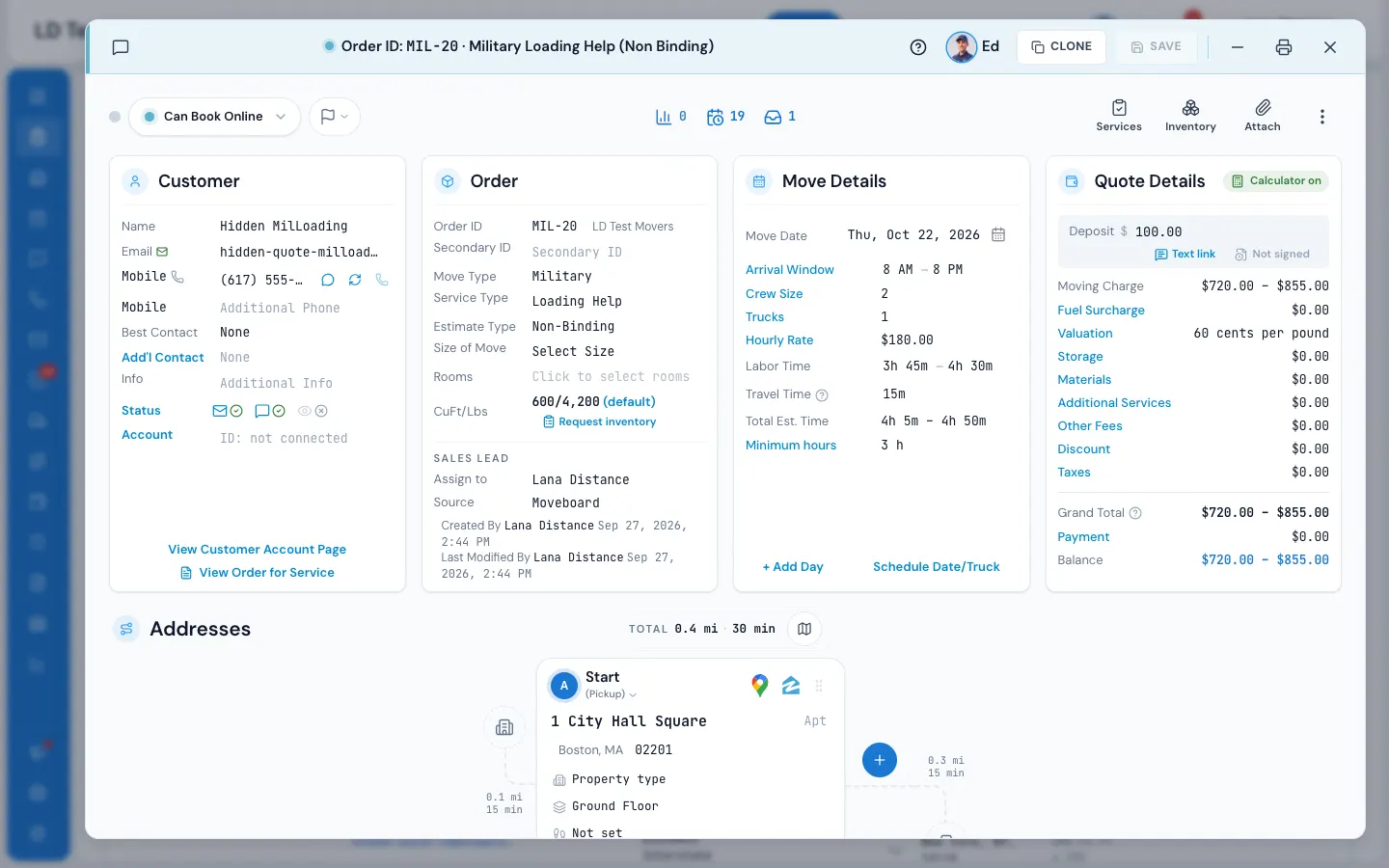
Move a quoted order to Can Book Online and save. The Order Updates window lists the emails and texts that go with it, so you can change the words for this customer, preview them filled in, leave one out or add another, before they go. Each day of the move needs its trucks first.
- Text link in the Deposit row texts the customer their link to pay
- Expiration rules turn unbooked quotes into New Lead Past or Expired
- Choose what happens when a customer changes a bookable move
Order Updates · RES-1179
StatusFollow Up→Can Book Online
Goes out with it:
CancelSave
02 / The customer signs
The whole contract, on their phone.
Book Your Move opens the Order for Service filled in with the move, the price and your terms. The customer agrees to use electronic signatures, reads it, agrees to your Company Policies and Cancellation Policy, adopts their signature once and taps each Sign here. Then they pay the deposit, card fee shown first.
- More than one document? Each one is a tab to review and sign
- A stop missing its street is asked for before payment
- Or sign with the customer on the office signing page
Order for Service
I agree to use electronic signatures
Harbor & Pine Moving · RES-1179
Move date: Mon, Oct 19, 2026 · arrival 8 – 9 AM
3 movers, 1 truck · $189.00 an hour · 3 hour minimum
Estimated total $1,037.00 – $1,226.00
Sign here
Marcus Lee
Company Policies · Cancellation Policy
Deposit$200.00
Card fee$6.00
Total today$206.00
Pay deposit and book
03 / Deposits by your rules
The right deposit, every time.
Settings › Pricing & calculator › Reservation & deposits sets the deposit per move type: a number of hours of labor or a dollar amount for hourly moves, a percent of the max quote or a dollar amount for flat-rate and long-distance moves. Charge it per truck, on the first day only, and ask for more when the customer books at the last minute.
- The deposit is never more than the max quote
- The portal asks for at least the deposit, or all that's due if less
- The card fee on portal deposits is your choice, shown before paying
04 / Booked
Confetti for them, a confirmed job for you.
The order becomes Booked, the signed Order for Service is filed on the order, the deposit lands in its payments and the customer gets their receipt. Your Booked messages go out once, your team hears Booked online, and the job is on the calendar and the dispatch board.
- A declined card leaves nothing signed or booked; they try again
- After booking, the date, addresses and inventory lock on the portal
- Customers can still message you and see their signed documents
You're booked!
Thank you for signing your Order for Service. Your move is confirmed and scheduled.
MoveMon, Oct 19 · 8 – 9 AM
Deposit paid$206.00
ReceiptSent to your email
Go to my move
View your signed order for service
Your office stays in charge
Booking online, on your schedule.
Online booking in MoveBoard never puts a move on a day you didn't plan. The office schedules the move and holds its trucks before the quote can be booked; the customer only signs and pays for that move.
If the customer wants another day, they can ask for it in their portal before they book. A new date always sends the order back to your office as New-Date, so sales can check the truck and the price first.
- Switch Book / sign order for service and Pay deposit on or off for your company
- Unbooked quotes expire by your rules: New Lead Past or Expired
- Choose what happens when a customer edits a bookable move
“The easy format and access for our customers to use online. The way that they can book the job request online while I am handling other task is fantastic.”
By the numbers
1
Moment for the signature and the money
The payment, the signature and the booking happen together: if the card doesn't go through, the signature isn't kept and nothing is booked.
Is the e-signature legally binding?
Electronic signatures are recognised under the U.S. ESIGN Act and state UETA laws. MoveBoard asks the customer to agree to sign electronically before the document opens, has them agree to your policies, records each signature with who signed and when, and files the signed document on the order.
What payment processor do you integrate with?
Stripe and Authorize.net. You connect your own account in Settings › Payments & billing › Payment processing, and deposits go straight to you. Each branch chooses which one new cards go through. The card number goes from the customer's browser to Authorize.net and never touches MoveBoard.
Can I customize the booking flow?
Yes. Switch Book / sign order for service and Pay deposit on or off in the client portal designer, set your deposit rules per move type, write your own Order for Service documents, and choose whether the card fee applies to portal deposits.
What happens after a customer books?
The order becomes Booked and appears on your calendar and dispatch board. The signed Order for Service is filed on the order, the deposit shows in its payments, the customer gets their receipt and your Booked messages, and your team gets the Booked online notification.
What if two customers try to book the same date and time?
A booking claims its truck. Booked and Reserved jobs never share a truck beyond the overlap your company allows; when a quote books, other unbooked quotes on that truck at that time lose it and go to New-Truck, so sales can offer another truck or time.
Can customers change their order after they book?
Once a move is Reserved, Booked or Postponed, the date, details, addresses and inventory are read-only on the portal, with a note to contact you. Customers can still message your team and see their signed documents. Changes go through your office.
Works with
A booked move goes straight to the next screen.
See your company on MoveBoard.
A live demo built around your own kind of moves: your service area, your pricing, your crews.