
Booking & payments
Book a job
How an order goes from Reserved to Booked — the customer signs the Order for Service, online or with you on the phone.
- 2 min read
- Checked against MoveBoard
- For sales
On this page
An order is Booked when the customer has signed the Order for Service and the deposit (if one is asked) is paid. There are two ways.
The customer books online
On a Can Book Online or Reserved order, the customer opens their portal and presses Book your move. They:
- Agree to use electronic signatures.
- Review your order for service — and your company policies, inside it.
- Adopt your signature, then tap each yellow Sign here in the document.
- Press Save and book my move — or, with a deposit still due, Save and continue to payment and pay it.
Nothing is signed until your deposit goes through. If they leave or the card is declined, their signature isn't kept. Once it goes through they see You're booked! — Your move is confirmed and scheduled.
See Can Book Online and Text the deposit link.
You book it with the customer on the phone
- Open the order's Payments window (the Payment row in Quote Details) and choose the Booking & signing tab.
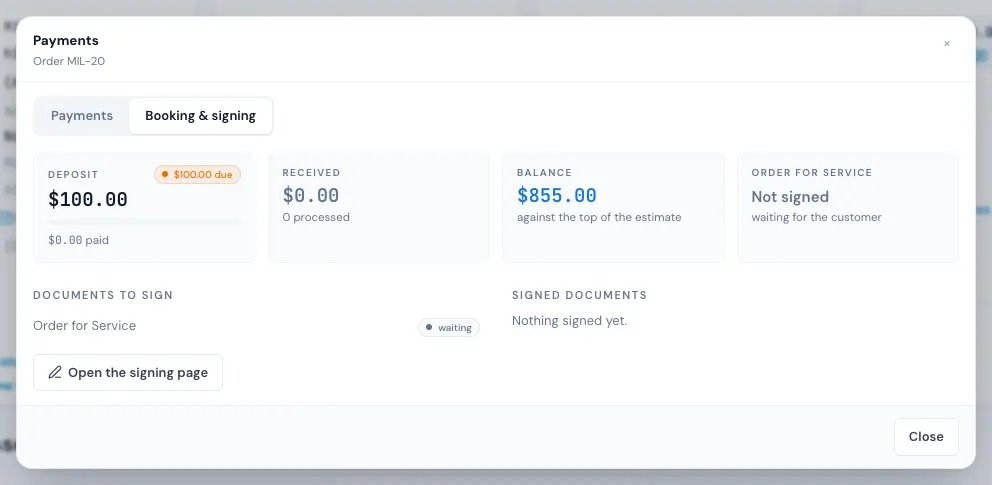
- It shows the deposit, the documents waiting to be signed and those already signed. Press Open the signing page.
- The signing page is the same page the customer sees. Walk them through it and sign together.
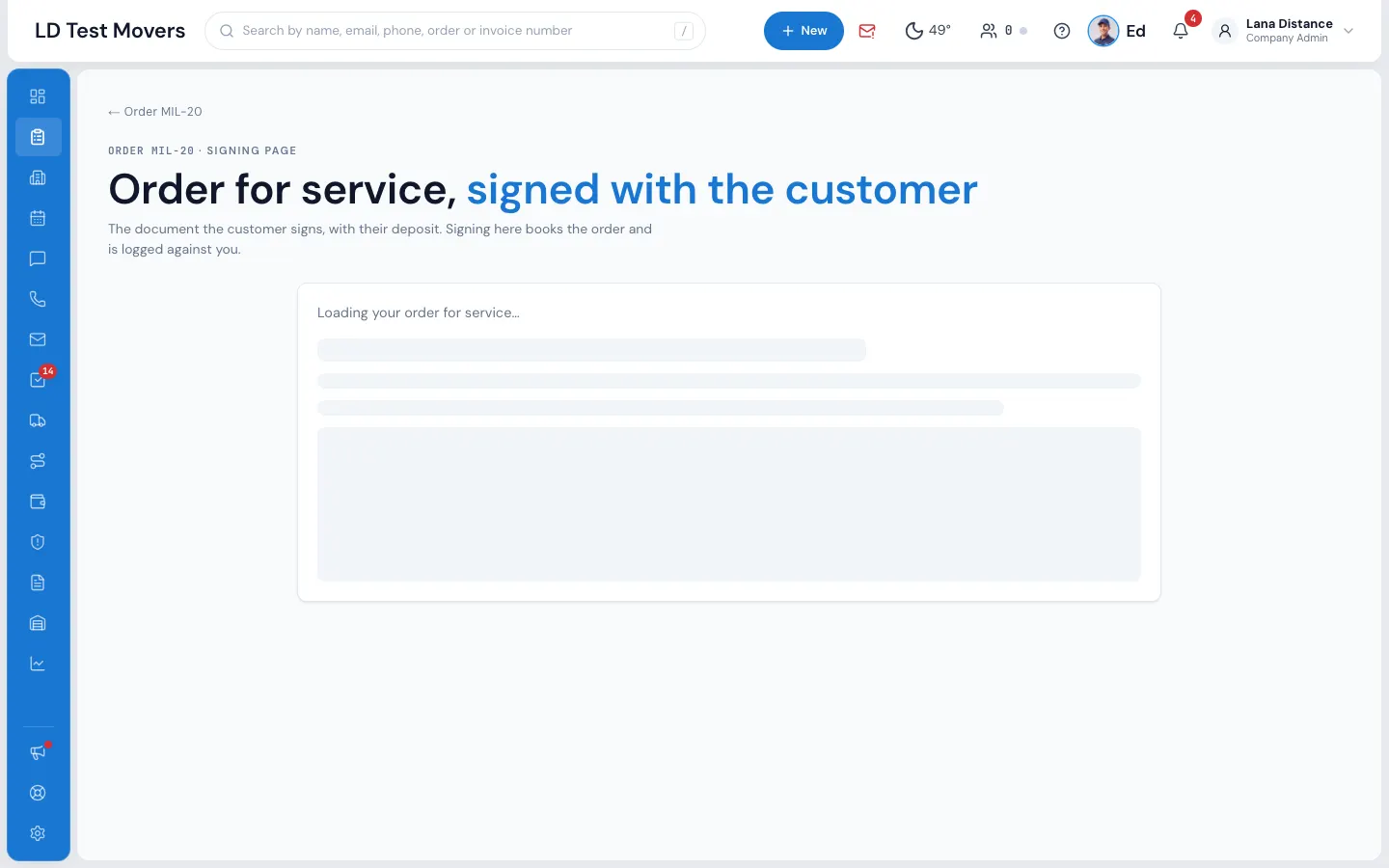
Signing here books the order and is logged against you. In the office you can sign before the deposit is paid; taking a deposit by card here needs the deposit permission.
What happens next
- The order moves to Booked, and your company's Booked messages go to the customer.
- The signed Order for Service is kept on the order: open it from Signed documents on the Payments window's Booking & signing tab.
- The Deposit row in Quote Details shows Signed — hover over it to see who signed and when.
If it can't be booked
- This order is already booked.
- This order has been cancelled. Please contact your moving specialist.
- There is no document to sign on this order yet. — your company has no Order for Service that fits this move. See Order for Service and estimate signing.
- The price is hidden from the customer — they can't sign a price they can't see. See Hiding the price from customers.
- Please pay the $… deposit to book your move. — online, the deposit must be paid to sign.
Related guides
- Booking & paymentsOrder for Service and estimate signingThe documents a customer signs to book — which one fits which move, how to edit them, and where the signed copy goes.
- Booking & paymentsTake a depositTake the customer's deposit by card, cash, check or another way from the Payments window — and the order becomes Reserved.
- Booking & paymentsLet the customer book onlineWhat Can Book Online means, what the customer sees and does in their portal, and when an unbooked quote expires.
- Booking & paymentsSend the quoteEmail and text the customer their quote — by moving the order to Can Book Online, or by hand from the conversation.
Still stuck? A person will help.
Open a ticket from Support inside MoveBoard, or email us — we usually reply within one business day.